Adding a display over network !
linux · server · snippets · By Madhurendra Sachan · (updated )
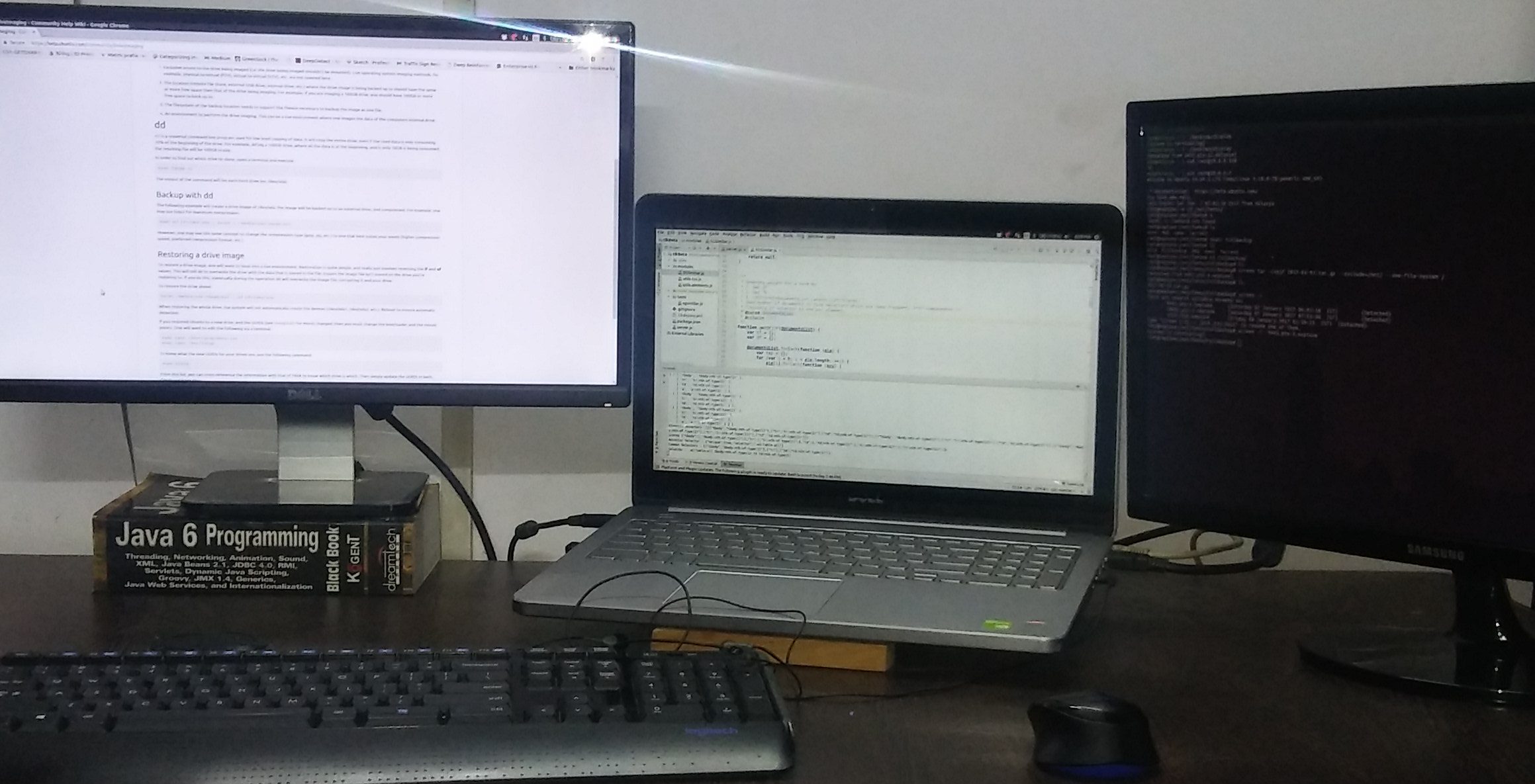
You are doomed if your laptop has only one HDMI Port & you are running Linux in that box.
Unlike windows – where there are tons of easy to run solution, & there are still tons of solutions if you have big numbers in your pocket.
Certainly – I neither wish to spend money on external VGA/HDMI extender or docking station nor to change OS. So after googling a lot I discovered a solution which utilized a different machine to act as the streaming client. You can use RPI or an old p4 machine.
Below is how it works.
- Adds a virtual display on your machine, usually all graphics card support at least one virtual display. You do all this using
xrandr - Create a VNC Server to stream that display – but since you cannot each time run two commands just to connect display – we are running
VNCViewerinlisten mode - Connect to vnc viewer & keep running it in the background.
You Laptop —[Display Data]—> Network —-> VNCViewer
As suggested above you data is being streamed over the network – you cannot run 4k data. But if you have good Lan speed you won’t face any problem.
I have also optimized settings for best experience – so far I can use terminal, watch videos – the only drawback is you feel the lag when you use keyboard or mouse for realtime feedback.
In Client Machine, i.e. your laptop.
You will need to install x11vnc & screen
#!/bin/bash
#Run VNC server in remote device. 10.0.0.2 is my machine which has monitor connected.
ssh  root@10.0.0.2 "nohup /root/vncserver.sh > /dev/null 2>&1 &"
xrandr --addmode VIRTUAL1 1920x1080
xrandr --output VIRTUAL1 --mode 1920x1080 --right-of eDP1 # find your main display
screen -X -S vnc quit
killall x11vnc
# adjust postion 1920x1080+3511+180, i.e. 3511+180 accordingly
# i have different resultion display so had to move.
screen -dmS vnc  x11vnc -connect 10.0.0.2:5500  -display :0 -clip 1920x1080+3511+180 -wirecopyrect  -viewonly --nossl -ncache 10 -ncache_cr
In server Machine (LAN address 10.0.0.2)
if [[ $(ps -ef | grep -c vncviewer)  -ne 1 ]];
then
    echo "Running"
else
   export DISPLAY=:0.0;
    vncviewer -listen 0 -fullscreen -owncmap -viewonly;
fi
You will need to install VNC Viewer in client side.